How to check DualSense compatibility
Check device support, connection method and individual game features before choosing your setup.
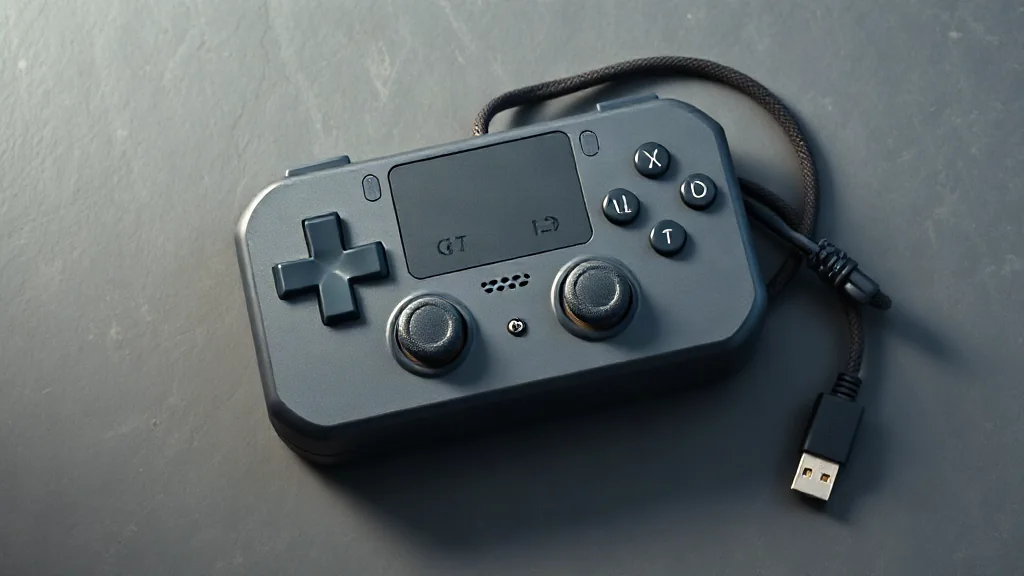
DualSense pairs with supported devices through Bluetooth or USB, but connection support is only the first part of compatibility. Individual game features vary, so successfully pairing the controller does not establish which features a particular game will provide.
Start with the device you intend to use, then check the game and the features that matter to you. This keeps three separate questions clear: whether the device supports the controller, how you will connect it, and what the game supports.
On PC, haptic feedback requires USB in supported games. If haptics are a priority, plan around that wired requirement and confirm support for your chosen title. Bluetooth pairing should therefore be assessed on its own terms, without assuming it provides the same feature support as USB.
Browse PC controllers on Amazon UK